Pride Radio2.1.3
Publisher Description
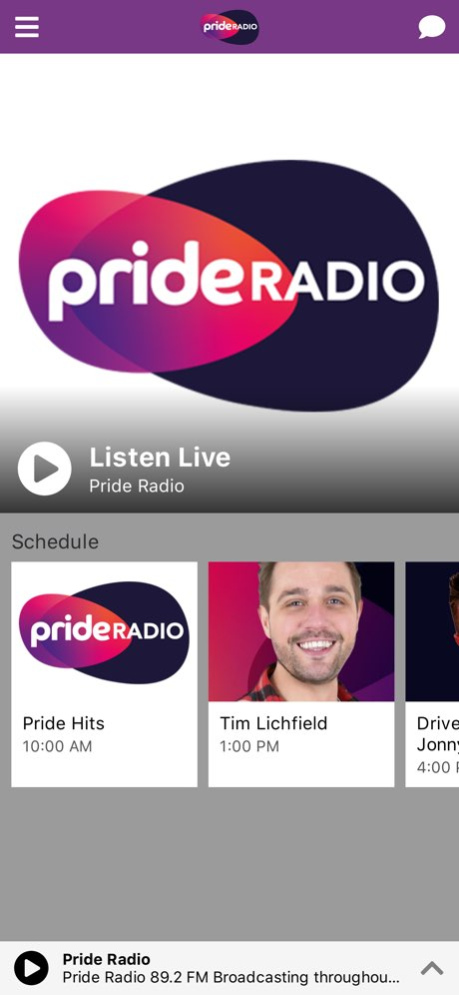
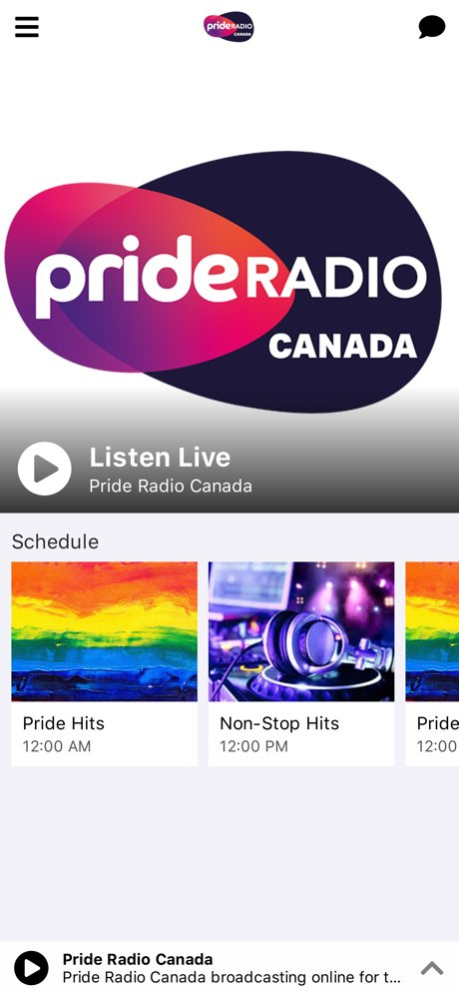
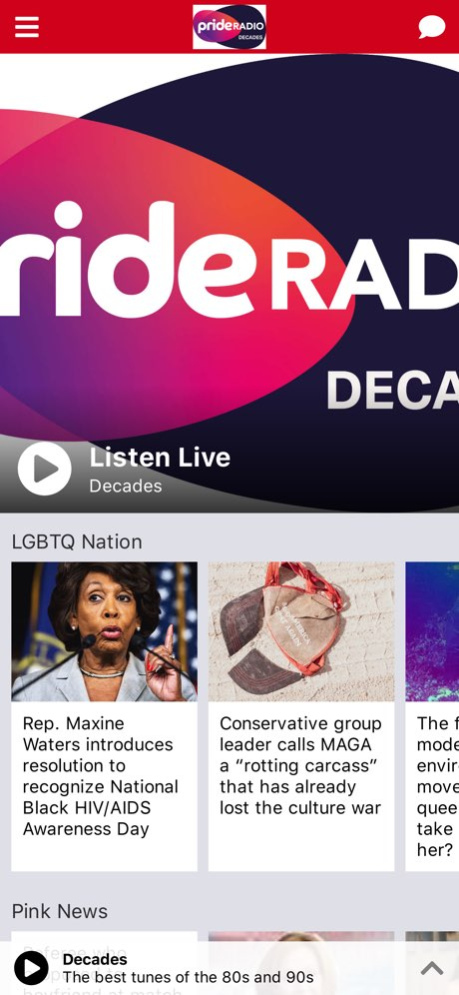
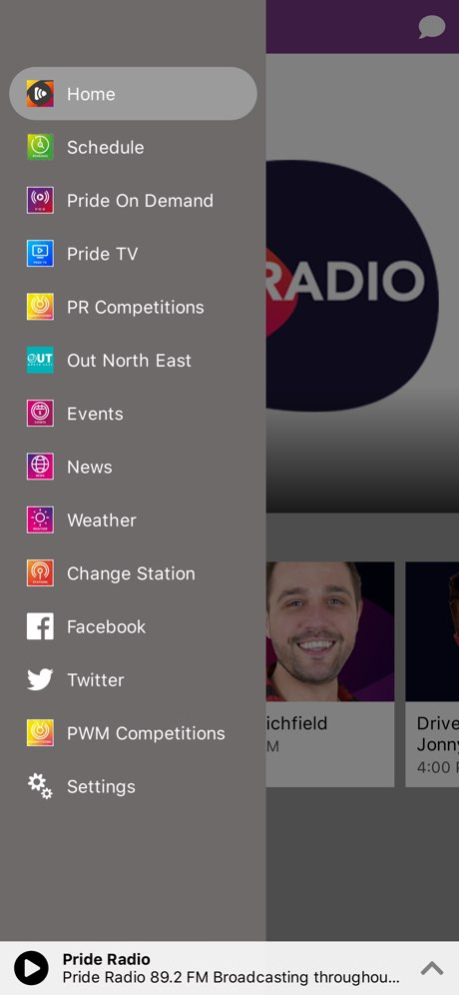
The Pride Radio app is the home of great music and great conversation for the global LGBT+ community and our allies. The multi-media app features 4 Radio stations, Video content, competitions podcasts and great shows. Tune in to one of our great stations or join our growing social media family on Facebook, twitter or instagram.
Version History Bug fixes and improvements. 2.1.3 Feb 17 Bug fixes and improvements. 2.1.2 09/24/2025 Bug fixes and improvements. 2.1.1 12/03/2024 Bug fixes and improvements. 2.1.0 12/04/2023 Bug fixes and improvements. 2.0.4 02/27/2023 Bug fixes and improvements. 2.0.3 04/20/2022 Bug fixes and accessibility improvements. 2.0.2 10/21/2021 Bug fixes and accessibility improvements. 2.0.1 10/20/2021 Bug fixes and general improvements. 2.0.0 11/07/2020 We've added the premium account features 1.2.6 07/19/2019 Bug fixes and performance improvements. Updates to improve schedule 1.0.11 09/28/2018 Bugfixes 1.0.10 08/08/2018 Bug fixes and performance improvements 1.0.8 08/07/2018 New info on our FM station 1.0.7 07/19/2018 Minor changes 1.0.5 07/07/2018 Various bugfixes 1.0.4 06/05/2018 Removed into video
Fixed bug where now playing page would be black 1.0.2 06/03/2018 1.0.0 05/27/2018
About Pride Radio
The company that develops Pride Radio is Pride World Media Ltd. The latest version released by its developer is 2.1.3.
To install Pride Radio on your iOS device, just click the green Continue To App button above to start the installation process. The app is listed on our website since 2026-10-14 and was downloaded 23 times. We have already checked if the download link is safe, however for your own protection we recommend that you scan the downloaded app with your antivirus. Your antivirus may detect the Pride Radio as malware if the download link is broken.
How to install Pride Radio on your iOS device:
- Click on the Continue To App button on our website. This will redirect you to the App Store.
- Once the Pride Radio is shown in the iTunes listing of your iOS device, you can start its download and installation. Tap on the GET button to the right of the app to start downloading it.
- If you are not logged-in the iOS appstore app, you'll be prompted for your your Apple ID and/or password.
- After Pride Radio is downloaded, you'll see an INSTALL button to the right. Tap on it to start the actual installation of the iOS app.
- Once installation is finished you can tap on the OPEN button to start it. Its icon will also be added to your device home screen.
Program Details
System requirements
Download information
Pricing
Version History
version 2.1.3
posted on 2026-10-14
Version History Bug fixes and improvements. 2.1.3 Feb 17 Bug fixes and improvements. 2.1.2 09/24/2025 Bug fixes and improvements. 2.1.1 12/03/2024 Bug fixes and improvements. 2.1.0 12/04/2023 Bug fixes and improvements. 2.0.4 02/27/2023 Bug fixes and improvements. 2.0.3 04/20/2022 Bug fixes and accessibility improvements. 2.0.2 10/21/2021 Bug fixes and accessibility improvements. 2.0.1 10/20/2021 Bug fixes and general improvements. 2.0.0 11/07/2020 We've added the premium account features 1.2.6 07/19/2019 Bug fixes and performance improvements. Updates to improve schedule 1.0.11 09/28/2018 Bugfixes 1.0.10 08/08/2018 Bug fixes and performance improvements 1.0.8 08/07/2018 New info on our FM station 1.0.7 07/19/2018 Minor changes 1.0.5 07/07/2018 Various bugfixes 1.0.4 06/05/2018 Removed into video
Fixed bug where now playing page would be black 1.0.2 06/03/2018 1.0.0 05/27/2018
version 2.1.3
posted on 2026-02-17
Bug fixes and improvements.
version 2.1.2
posted on 2025-09-24
Sep 24, 2025
Version 2.1.2
Bug fixes and improvements.
version 2.1.1
posted on 2024-12-03
Dec 3, 2024
Version 2.1.1
Bug fixes and improvements.
version 2.1.0
posted on 2023-12-04
Dec 4, 2023
Version 2.1.0
Bug fixes and improvements.
version 2.0.4
posted on 2023-02-27
Feb 27, 2023
Version 2.0.4
Bug fixes and improvements.
